

Identify where the connection stops. Finding a room, connecting participants and joining the game are separate stages with different checks.
Step 1. Save the error
Record the complete message or take a screenshot. Note whether the host or friend sees it, and whether it appears in ConnectTogether or the game. Do not change ports, game versions and network settings all at once.
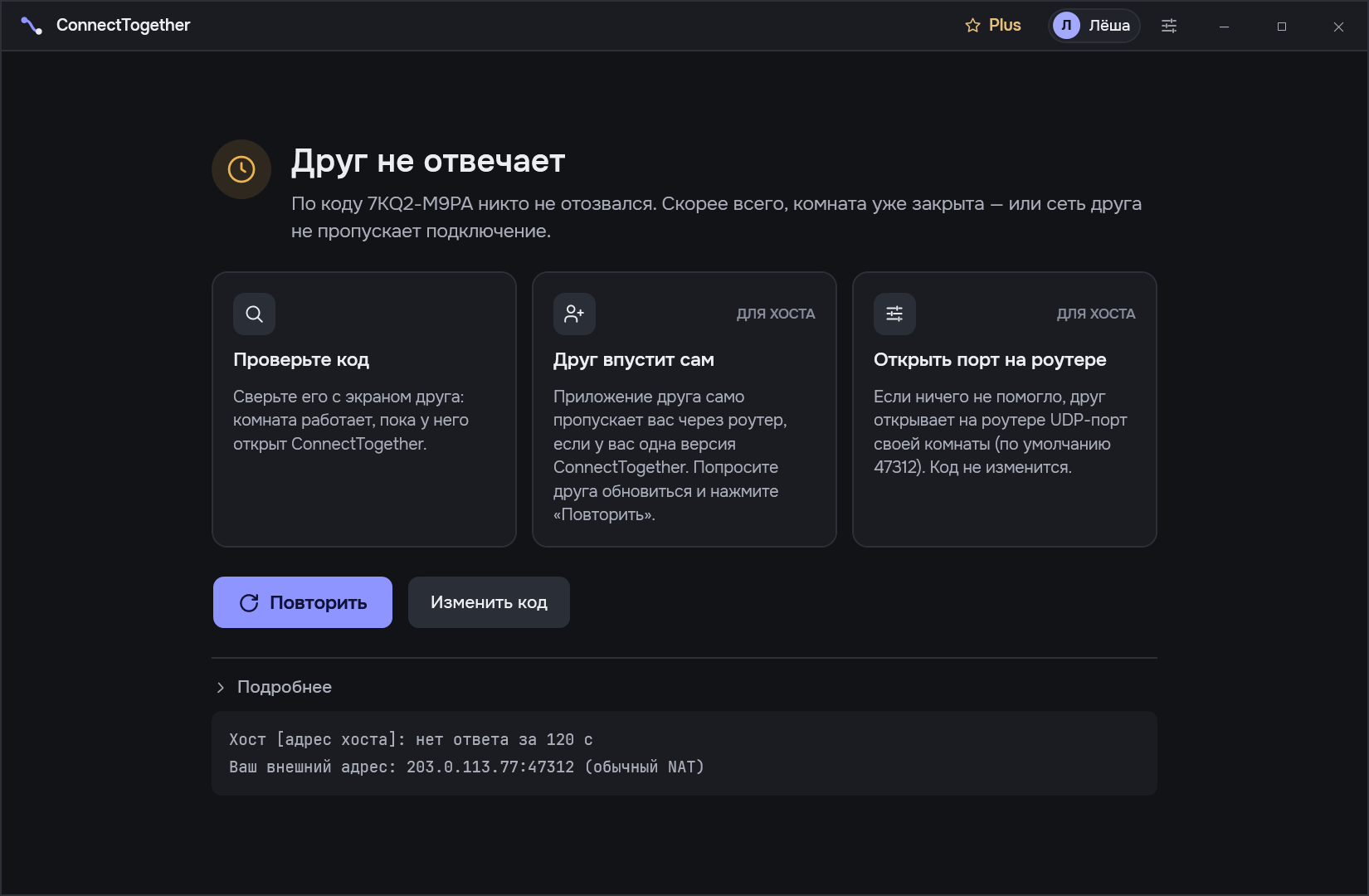
The room does not open
- Check that both players started ConnectTogether and signed into the intended Steam accounts.
- Ask the host to confirm the room is still open.
- Copy a fresh invitation. Invitations from closed sessions may no longer work.
- If a browser link failed, enter the code manually.
- Check ConnectTogether server status in “Settings” → “About”.
Reinstalling the game cannot fix an unavailable service server. Save that message and check again later.
The room is visible but the connection fails
Check ConnectTogether's network access on both computers. If the firewall asks for permission, verify the application. You do not need to disable all protection for an ordinary test.
ISP, NAT, workplace or school network restrictions may prevent a direct connection. Follow the application's exact message. A working browser does not prove that the required network traffic is allowed.
Try changing the host and compare. If a relay is available, check its status in the application. Buying Plus alone does not fix an incorrectly configured game server.
The room works but the game will not connect
- The host checks that the game server is running and startup completed.
- The friend copies the address or command again from their own “How to join the game” panel.
- The host compares room ports and protocols with the server configuration.
- Everyone compares game edition, version and required mods.
- The host checks any additional in-game permissions.
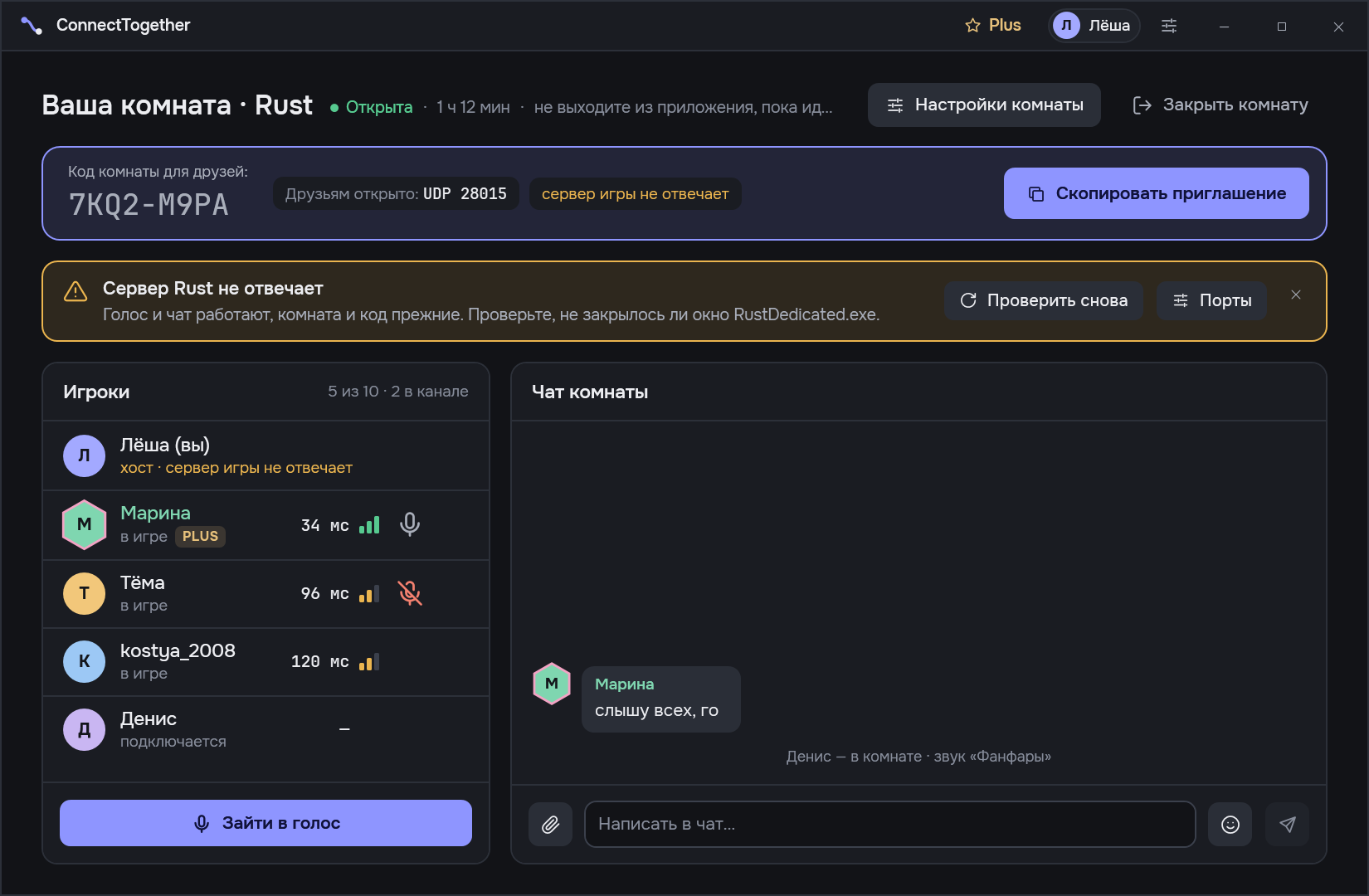
Minecraft Java needs either an Open to LAN world or a dedicated server. Rust needs RustDedicated; an open Rust client is not enough.
A working session suddenly disconnected
Check whether the host closed the server window, left the world, lost the network or put the computer to sleep. Check for game restarts. After reopening a Minecraft LAN world, check its new port.
If only the game disappears while voice and chat still work, start with the game server. If the entire room disconnects, check ConnectTogether and the network.
What to send support
Include both application versions, game and edition, server startup method, failure stage and checks already performed. Add the exact error and diagnostics from “Settings” → “About”.
Mention whether it happens with another host or without screen sharing. See also Minecraft, Rust and other games.
