

The host controls the room. Players join by invitation; Steam friends can also use the open room's card if the host enables that feature.
Sharing invitations
Send codes and links to people you want in the room. Recipients can forward them, so posting an invitation in a public channel expands the potential audience.
For a small group, use a private chat. A memorable Plus code does not replace access controls or restrict entry to familiar nicknames.
Visibility to Steam friends
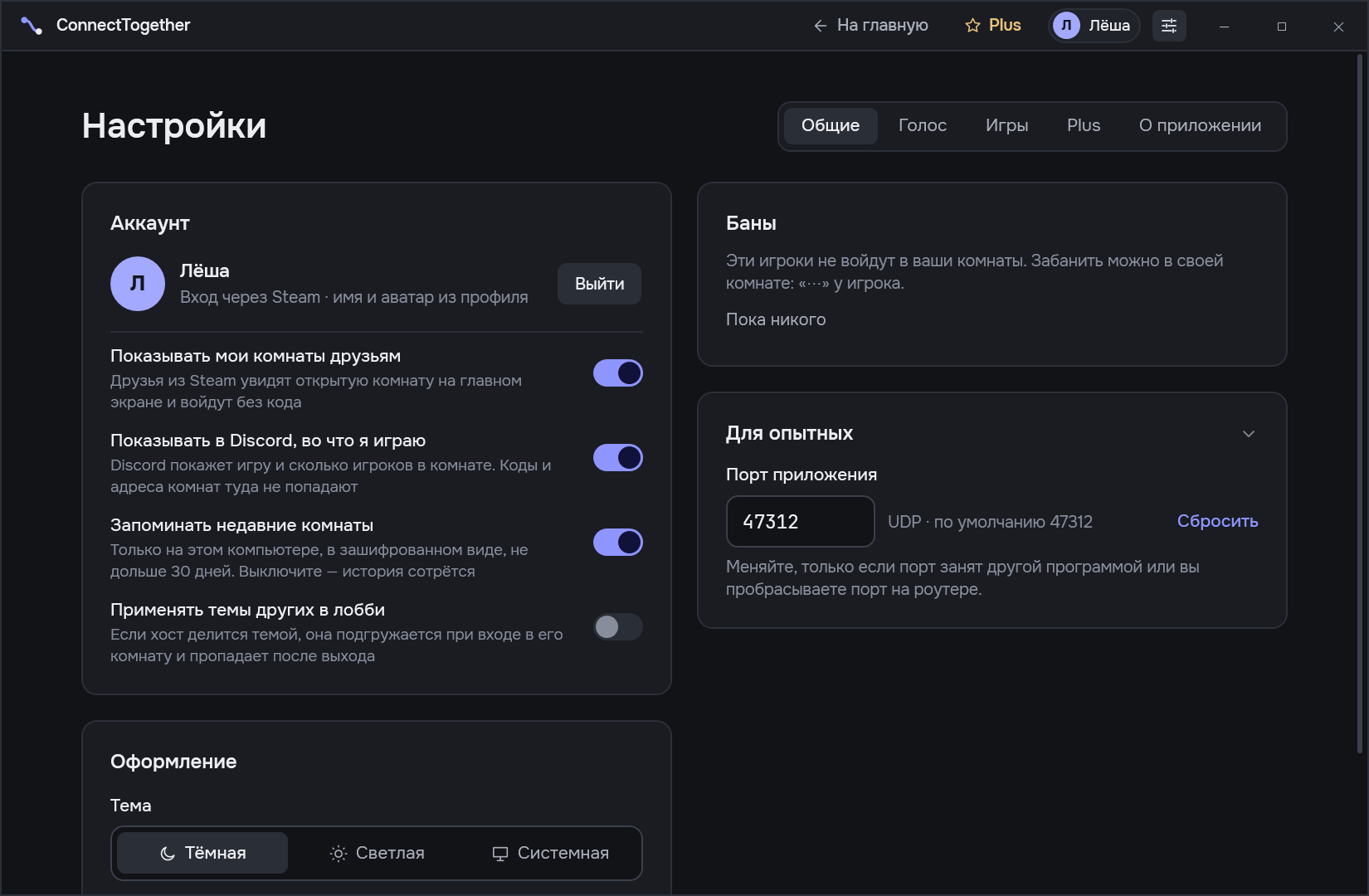
In general settings, find “Show my rooms to friends”. When enabled, friends may see your open room on their home screen.
Adjust visibility if you want to use invitations only. Hiding the card does not revoke a code that has already been shared.
What the room code reveals
The code locates a room without containing the host's public IP in plain text. However, a direct P2P connection is not an anonymity tool: network addresses are used to connect peers.
See encryption and files to understand what recipients can access.
An unfamiliar player joined
Check whether another participant invited them. The host can kick or ban the player through their menu.
Kicking ends the current connection; the player may try joining again. Banning restricts subsequent access. See moderation for details and unbanning.
In-game permissions are separate. Being a room participant does not make someone a game server administrator.
