

Plus is prepaid for the period shown in the application. There is no automatic renewal or recurring charge; you choose to pay for each new period.
Before paying
Check your Steam account in ConnectTogether. The purchase is for the account that opens the payment page. If you use several accounts, do not rely only on the nickname visible in the browser.
Review the current price, period and features. Keep your receipt after payment.
Purchase Plus
- Open Plus in the application.
- Choose “Subscribe” if inactive, or “Renew for a month” to add another period.
- Wait for the payment page to open in your browser.
- Check the amount and purpose, then complete payment using an available YooMoney method.
- Return to ConnectTogether and wait for confirmation.
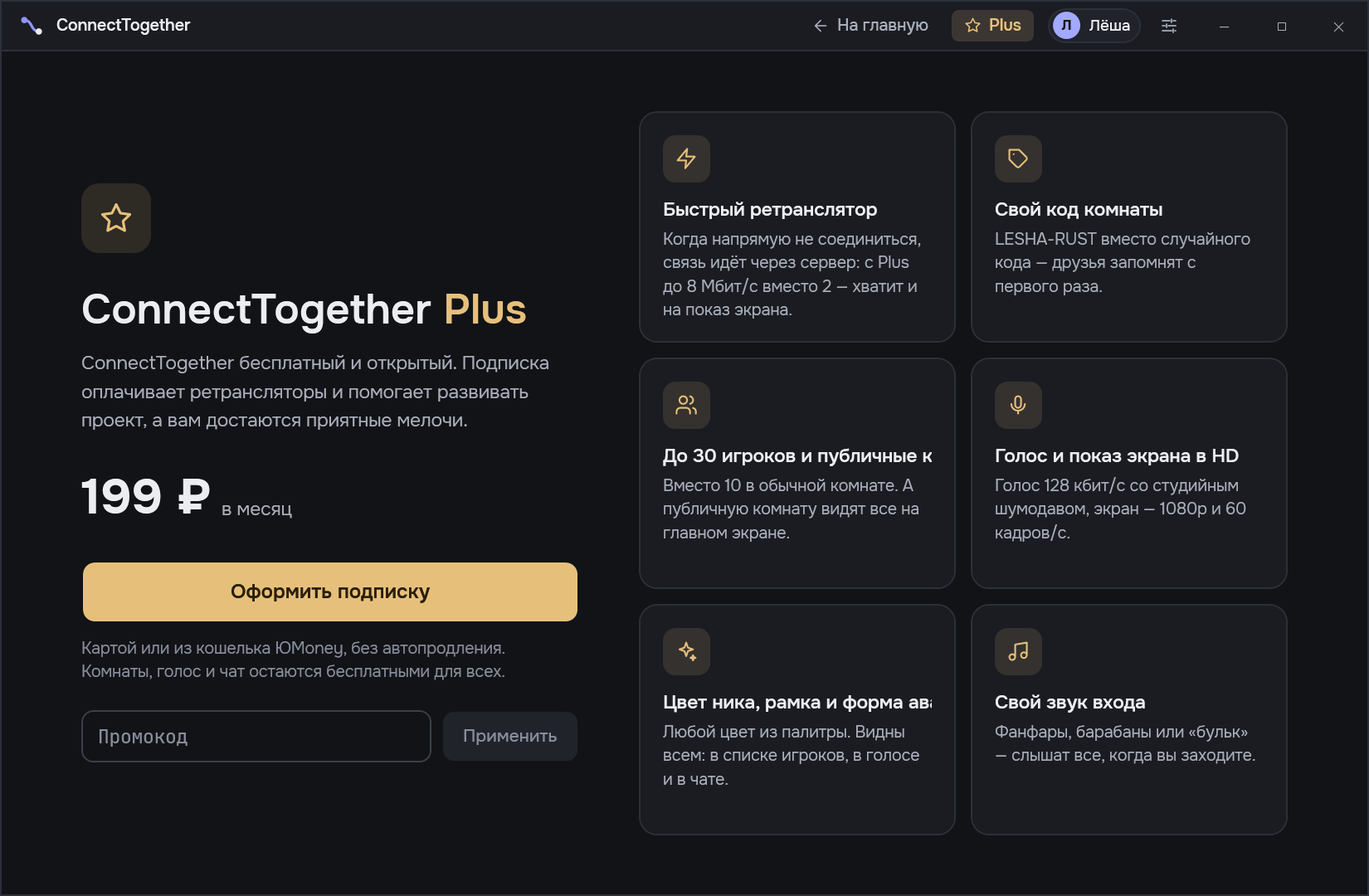
Status changes after the server confirms the transfer. Returning from the browser alone does not mean confirmation has arrived.
How renewal works
If paid time remains, the new period is added after it ends. Check the expiry date in Plus settings rather than estimating it from when you last opened the payment page.
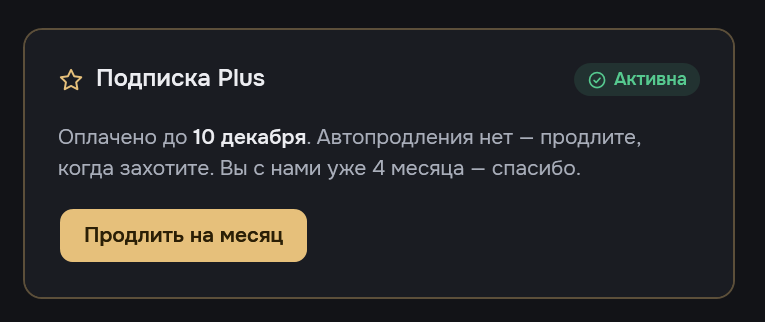
If the application was closed
Start ConnectTogether and sign into the same Steam account. Wait for account data to refresh, then check status and expiry. Do not make another payment just to refresh the interface.
When Plus expires
Free features remain available. Purchase another period if you want to renew. There is no recurring charge to cancel.
If payment completed but status is missing, follow payment troubleshooting.
